
GAME & WHERE TO PLAY
Game & Where to Play
Start here for what the game is, the official Steam link, no-download practice context, and platform availability questions.
GUIDES HUB
Find where to play MECCHA CHAMELEON, learn beginner controls, fix common issues, and try free fan-made browser practice tools.
THREE CONTENT CENTERS
Meccha Chameleon Zone is an independent fan-made guide and practice site: use these centers to jump to platform answers, player-tested guides, or browser practice.
GAME & WHERE TO PLAY
Start here for what the game is, the official Steam link, no-download practice context, and platform availability questions.
GUIDES & TROUBLESHOOTING
Use player-tested guides for controls, modes, rooms, input devices, color issues, and common troubleshooting questions.
PRACTICE & WEEKLY CHALLENGE
Practice color matching, hiding judgment, and camo decisions in free fan-made browser tools before playing the full Steam game.
QUICK START
Follow these guides in order if you are playing for the first time.
BEGINNER GUIDE
Learn the full Hider and Seeker match flow, basic rules, win conditions, and what to do in your first round.
Learn the GamePLAY OPTIONS
Learn the difference between the full Steam game, browser Color Practice, no-download practice tools, and fan-made guide pages.
Compare Play Options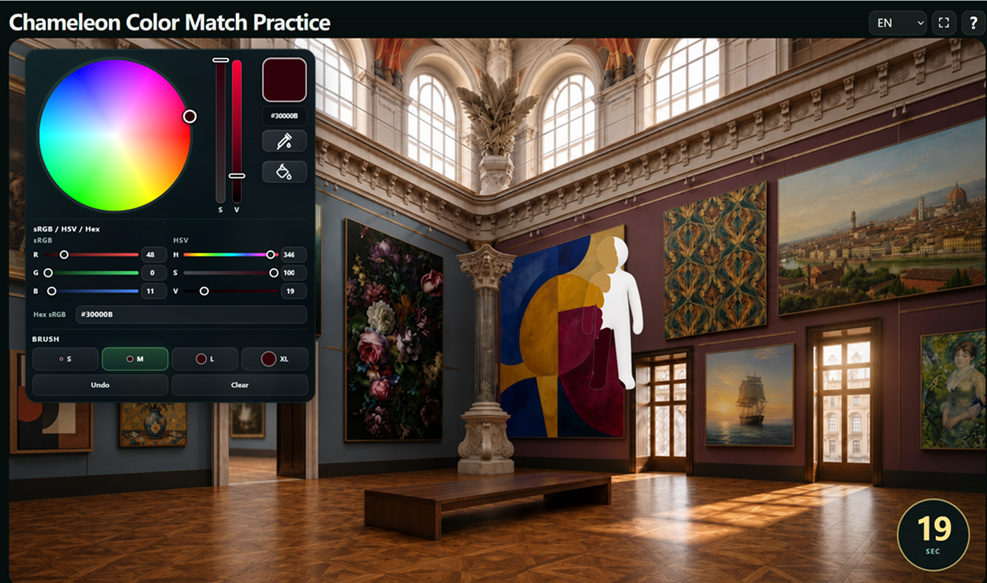
PRACTICE PLAN
Follow a focused routine for color sampling, manual correction, brush control, movement, camera handling, posing, and hiding.
Start Practicing
FREE FAN-MADE TOOL
Use the browser-based practice tool to sample, compare, adjust, and paint colors without joining a multiplayer match.
Open Practice ToolCOLOR SKILLS
Learn how to copy colors, correct inaccurate samples, control the brush, choose a pose, and blend into the environment.
COLOR COPYING
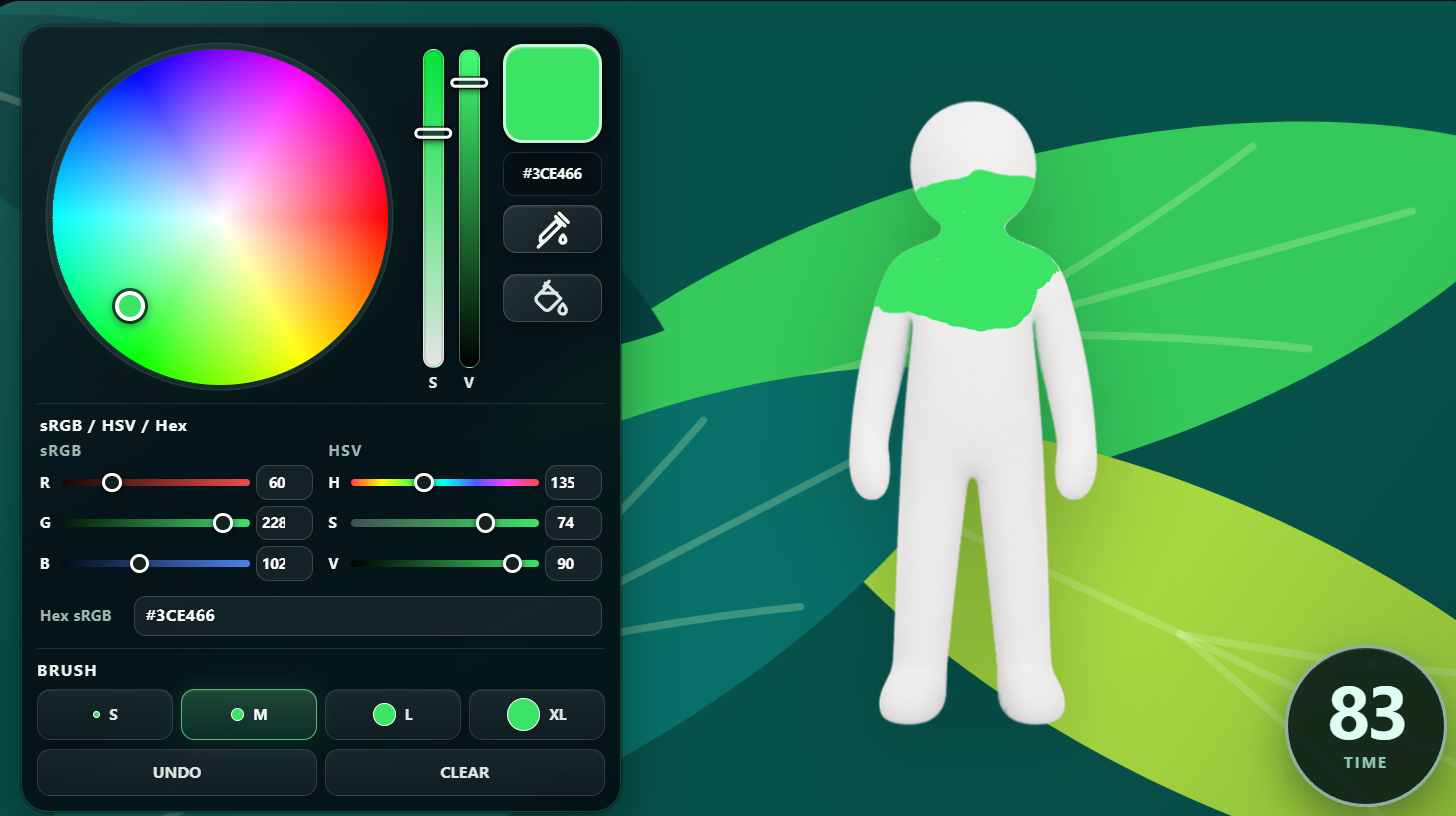
Enter painting mode, sample a surface, test a small patch, compare the result, and correct the color before painting the full Hider.
Copy Colors Better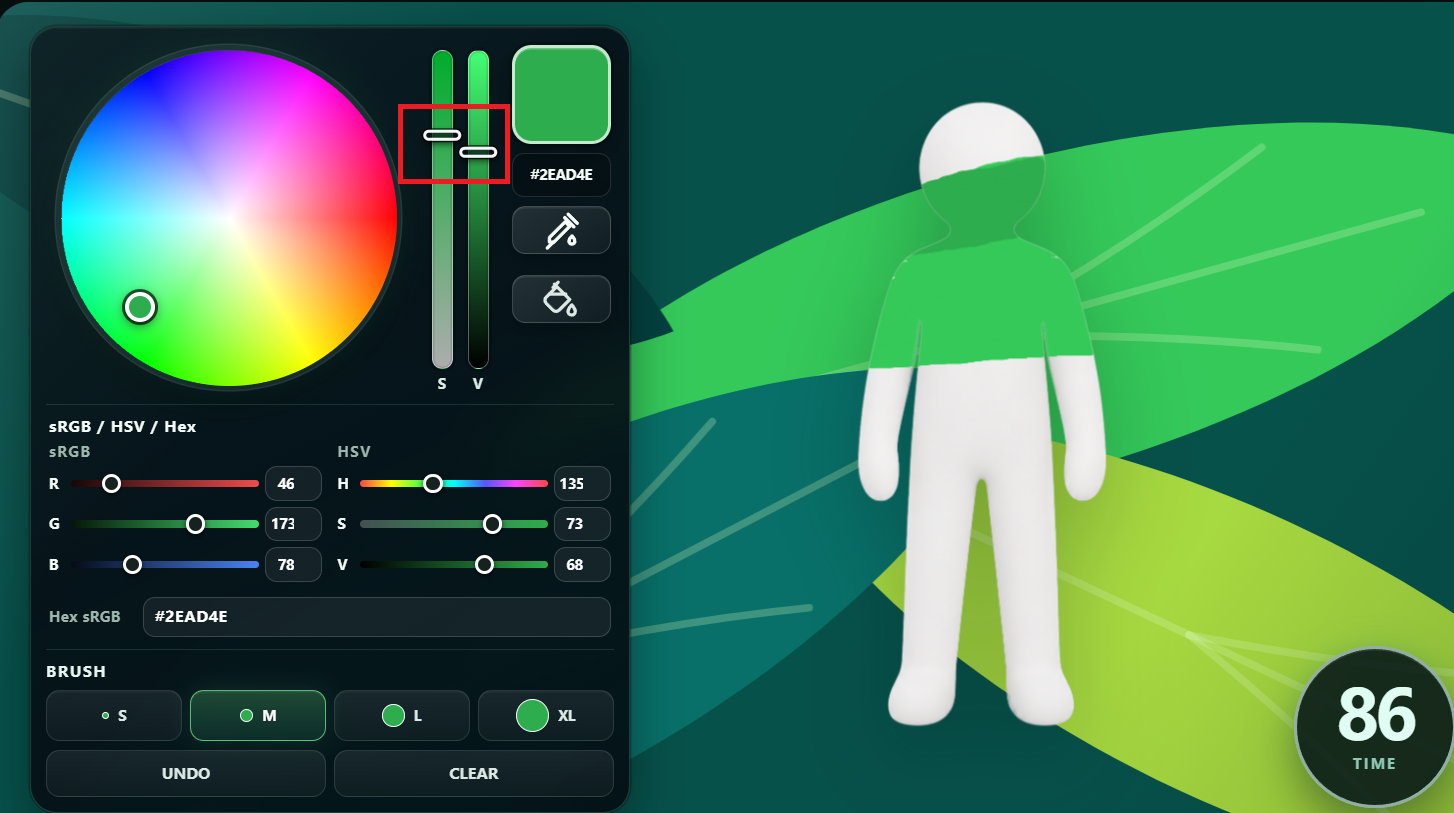
PLAYER-TESTED WORKAROUND
Learn what to do when the sampled color looks too bright, too dark, or different after it is painted.
Fix the Color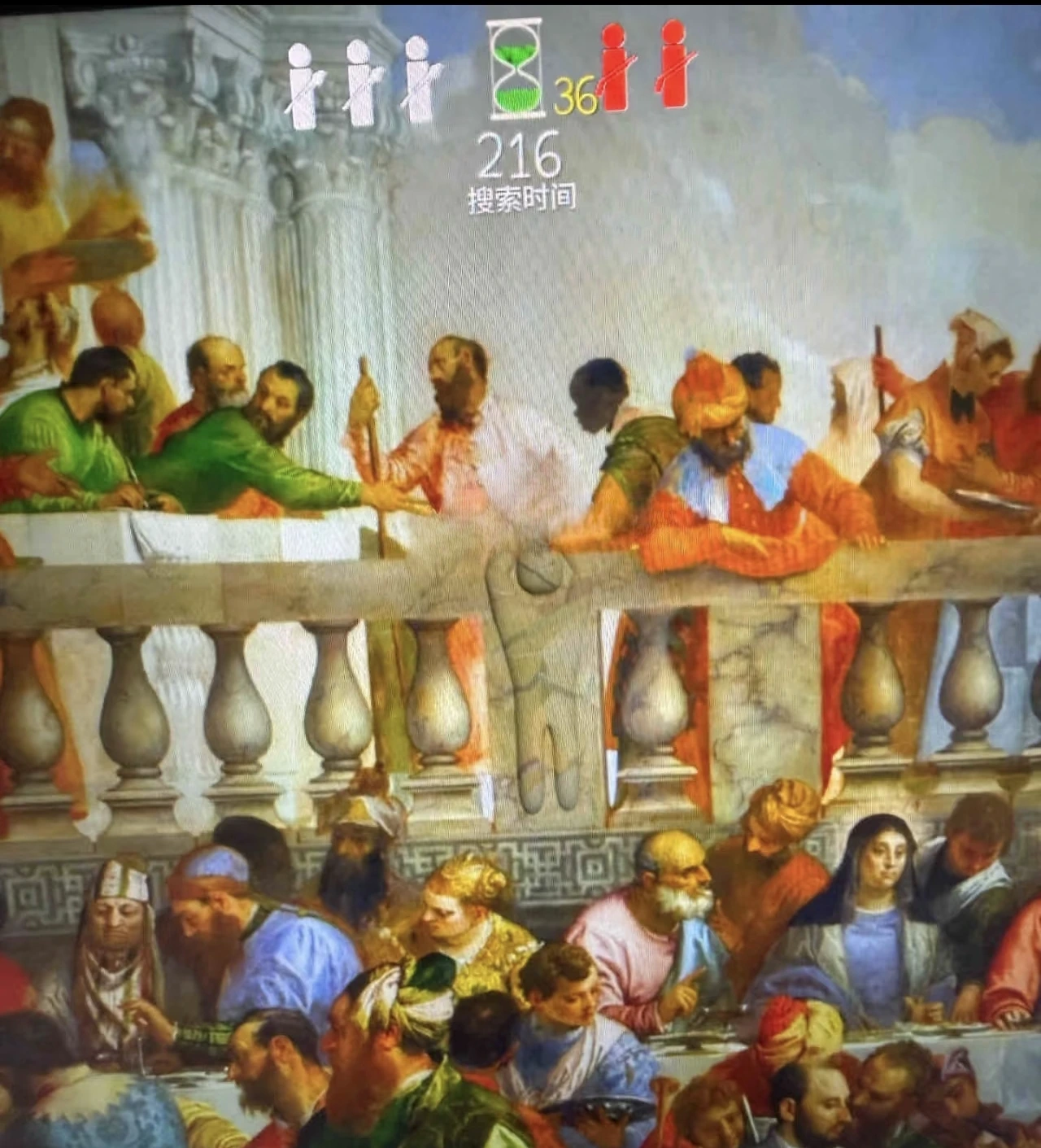
VISUAL IDEAS
Study visual examples showing how players combine color, body shape, pose, objects, and viewing angles.
Explore Hiding Spots
WEEKLY ARCHIVE
Browse past fan-made Meccha Chameleon camo challenges, reveal images, and previous weekly themes.
View ArchiveCONTROL DETAILS
Learn specific controls, pose selection, room-start steps, and alternative input options for laptops and drawing tablets.
PLAYER-TESTED CONTROLS
Learn movement, painting, color sampling, brush size, posing, camera controls, cloning, voice, and text chat.
View ControlsKEYBOARD LAYOUTS
Check AZERTY, ESDF, left-handed, controller, Steam Input, and WASD layout workarounds.
Fix KeybindsPAINTING INPUT FIX
Learn the correct right-mouse brush size control and what to check on Linux, Proton, or CrossOver when brush size will not change.
Fix Brush SizeCAMERA AND STEAM INPUT
Use the mouse wheel to zoom in and out on PC, and fix Steam Deck layouts that do not have Mouse Scroll bound.
Fix Zoom ControlsSETTINGS AND INPUT
Learn what to try if you need inverted mouse or Y-axis camera controls, including Steam Input, Steam Deck layouts, and mouse software profiles.
Check Invert OptionsMOUSE INPUT BUG
Troubleshoot right-click camera turning, Hunter facing, Bluetooth mouse, Steam Input, and painting mode mouse problems.
Fix Right ClickWALL MOVEMENT
Learn how to attach with Space, move up or down, rotate with A and D, pan with right mouse and WASD, detach, and fix red overlap flashing.
Learn Wall MovementPOSE CONTROL
Hold R, move the blue selection frame to the pose you want, release R to confirm, and use left click to change pose pages.
Change PosesCLONE CONTROLS
Press Q to create up to two active clones, understand what happens when a third is created, and use X to clear all clones.
Learn Q and XALTERNATIVE INPUT
Use a pen tablet for painting and pointer input, then check which camera, shortcut, brush-size, and pose controls still need keyboard or mouse support.
Check Tablet ControlsTABLET PAINTING INPUT
Learn whether MECCHA CHAMELEON supports native pen pressure, why tablet input usually works like mouse input, and how brush size is adjusted with Right Mouse-style controls instead of pressure.
Check Pen PressureROOM START GUIDE
Find the map-settings stand, open the setup panel, and use Start Game in the lower-left area after the room is ready.
Start the MatchONLINE PLAY
Create rooms, play with friends, understand the current recommended player count, and control voice chat.
POST-UPDATE INVITE GUIDE
Use Find Server and Find Friend Lobby when the friends list option or invite button is missing after an update.
Invite FriendsMATCH RULES
Compare what happens when Hiders are found, learn how each mode changes the round, and see how the host selects a mode near the lobby settings stand.
Compare Game ModesROLE AND VIEW GUIDE
Compare Hunter view, Hider view, teammate visibility, spectator state, and Double Mode hidden copies.
Understand ViewsCURRENT PLAYER GUIDANCE
Learn the current 2-10 player recommendation, why it is not necessarily a permanent hard limit, and how the host connection affects lobby size.
Check Player CountSTEAM WORKSHOP
Subscribe to Workshop maps, wait for downloads before joining, remove maps by unsubscribing, and avoid unsafe manual cleanup.
Use Workshop SafelyWORKSHOP MAP HELP
Download extra maps through Steam Workshop, find the usual Workshop content folder, and remove map files carefully.
Download MapsWORKSHOP SAFETY
Update the game, avoid risky custom maps, remove suspicious Workshop files, scan your PC, and protect your accounts after the Workshop malware reports.
Read Safety GuideCUSTOM MAP GRAPHICS
Troubleshoot custom-map lighting bugs, black object edges, DX11 or DX12 rendering differences, and older GPU limits.
Fix Lighting BugPERFORMANCE TROUBLESHOOTING
Fix low FPS by checking laptop GPU selection, power mode, graphics settings, drivers, and external monitor cables.
Fix Low FPSMULTIPLAYER TROUBLESHOOTING
Update the game, match host and player versions, recreate the room, and report details if Hunter shooting still disconnects you.
Check the FixLAUNCH TROUBLESHOOTING
Fix invalid or missing authentication token errors with Steam login checks, file verification, cache cleanup, and careful reinstall steps.
Fix Token ErrorVOICE CHAT FIX
Check player voice no sound, voice chat muted after an update, and how V and B control mic and voice audio.
Fix Voice ChatPLATFORMS AND SAFETY
Check current platform availability and avoid unsafe third-party downloads.
MAIN GAME ENTRY
Learn what MECCHA CHAMELEON is, where to play the full Steam game, and how this fan-made site connects practice, challenges, and beginner guides.
Open Game GuideONLINE PRACTICE
Play free fan-made browser practice, try the weekly challenge, and learn how it differs from the full Steam game.
Open Online GuidePLATFORM STATUS
Check the current Android and iPhone availability, understand misleading mobile downloads, and learn the safest alternatives.
Check Mobile StatusMAC STATUS
Check macOS platform support on Steam and use browser practice tools online without treating them as a Mac port.
Check Mac StatusOFFICIAL GAME LINK
Find the official Steam game link, price context, release info, and practice tools to try before buying.
Open Steam GuideRELEASE INFO
See when MECCHA CHAMELEON came out on Steam and where to practice or buy the full game.
Check Release DateANDROID STATUS
Check Android phone availability, mobile browser practice, package safety, and the Steam path for the full game.
Check Android StatusIOS STATUS
Check iPhone and iPad availability, mobile browser practice, safe-source notes, and the Steam path.
Check iOS StatusCONSOLE STATUS
Check console availability questions and use browser practice while following official platform channels.
Check Console StatusROBLOX SEARCH HELP
Understand Roblox search intent, check official-source clues, and use fan-made browser practice safely.
Open Roblox GuideCODES, HACKS AND SAFE TIPS
Find out whether official cheat codes are confirmed, why third-party hacks are risky, how Workshop content differs, and which legitimate tips actually help.
Read the Safety GuideSTEAM ACCOUNT HELP
Check Steam's standard 14-day and under-2-hour refund rule, request steps, and what to know when asking outside the usual limits.
Read Refund RulesSTEAM ACCOUNT HELP
Learn what Steam Family Sharing means for MECCHA CHAMELEON, why one shared copy is only one playable seat, and when two players need two available copies to play together online.
Check Family SharingRECOMMENDED ORDER
Read How to Play and understand the Hider and Hunter roles.
Compare Game Modes →Review the complete keyboard and mouse reference.
Practice wall attachment, rotation, panning, and pose selection.
Pose Guide →Learn the eyedropper workflow and use the practice tool.
Open Color Practice →Study hiding examples, remove the human silhouette, and use clones carefully.
Clone Controls →Invite players, choose the mode, and begin the match.
Start the Match →PRACTICE SAFELY
Build a better feel for brightness and color differences in our free fan-made browser practice tool.
The practice tool is independent from the official game and does not modify game files or connect to live matches.